



NiceHash is worth considering if you already have compatible mining hardware and want to sell its computing power for a payout. Its strongest idea is the marketplace: buyers need hashrate, sellers supply it, and the service connects the two. That is a more accurate starting point than “free Bitcoin from an idle computer.”
Our view: NiceHash can make mining operations easier to organize, but whether it makes financial sense depends on your machine, electricity price, service charges and withdrawal conditions. We would measure those before running a rig continuously or buying equipment.
Documentary review, updated October 9, 2026. We inspected public pages and documentation; we did not run a mining rig or test a payout. BitcoinLink may receive benefits through referral links.
Sell compatible computing power through a marketplace.
Measure electricity and credited proceeds together.
Check fees, verification and actual wallet receipt.
What NiceHash actually does
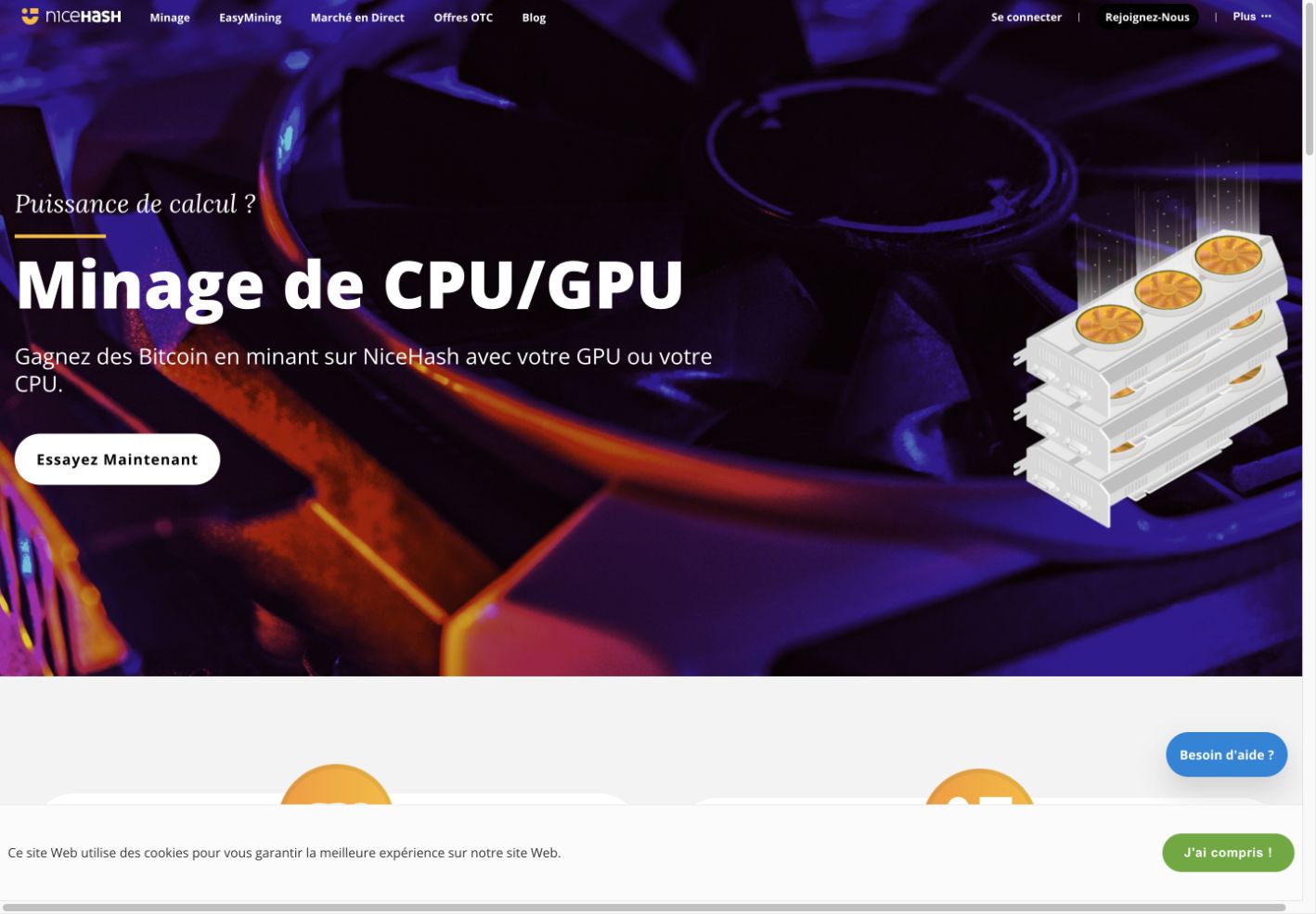
Selling hashrate and mining Bitcoin directly are different activities. With NiceHash, a CPU or GPU can perform work for a supported algorithm while the service handles the marketplace and seller payout. Receiving BTC does not mean a laptop is competitively mining Bitcoin’s SHA-256 network.
Buyers are on the other side: they pay for computing power and direct it toward supported mining arrangements. Buying hashrate introduces its own costs and outcome risk. It is not the same decision as letting compatible hardware you already own supply work.
Our PC and Mac mining guide compares those routes and explains why hardware and operating-system compatibility need checking first.
Choose the product that matches your setup
| Product or route | What to examine | Practical implication |
|---|---|---|
| QuickMiner | Supported devices, operating system and current release requirements. | Start with compatibility rather than the easiest-looking button. |
| NiceHash Miner | Miner plugins, algorithms and configuration. | Third-party components deserve separate scrutiny. |
| NiceHash OS | Dedicated rig setup and remote management. | A mining operating system is different from an everyday desktop app. |
| Buying hashrate or EasyMining | Order or package terms, fees and possible outcomes. | Paying for access to hashpower does not guarantee a reward. |
The public CPU/GPU page presents QuickMiner, Miner and NiceHash OS as distinct options. Do not assume every product runs on every computer, or that a mobile monitoring app performs the mining work. Mac owners should verify actual support instead of treating a phone or web dashboard as proof of compatibility.
Calculate the result after electricity
Start with a measurement at the wall, not just the graphics card’s advertised power draw. The machine, cooling and power-supply losses can change the real consumption. Then compare credited proceeds with the electricity bill and other operating expenses.
Here is a hypothetical daily example, not a NiceHash performance test or earnings forecast:
| Item | Example |
|---|---|
| Power used continuously | 200 watts for 24 hours = 4.8 kWh |
| Electricity price | $0.25 per kWh |
| Daily electricity cost | $1.20 |
| Proceeds credited after seller charges | $1.00 |
| Result before wear, tax and withdrawal cost | -$0.20 |
A dashboard can show positive mining revenue while the complete operation loses money. Recheck the calculation when power rates, payrates or hardware settings change. A short benchmark is useful for comparison, but it is not a promise of a month’s results.
Fees, balances and withdrawals
NiceHash publishes separate charges for selling hashrate, buying orders, withdrawals and other products. At the time of this review, its seller-fee table lists a 2% charge on payouts to NiceWallet, with minimum-charge rules. That should not be mistaken for the entire cost of using every NiceHash feature.
Check the current fee schedule and the account’s withdrawal screen before starting. Minimums, verification, wallet handling and withdrawal methods can matter more than a small percentage when a balance is modest. A credited service balance is also different from BTC delivered to a wallet you control.
Keep records of credited proceeds, fees and actual transfers. If you are evaluating profitability, compare the same period for earnings and electricity instead of mixing an optimistic payrate with an old power estimate.
Installation and account security
Get software through the official service and check the release information. Different products can include different mining components. A digital signature helps establish a release’s origin; it does not turn every installation, plugin or configuration into a risk-free choice.
We would avoid installing unfamiliar miners on a machine that stores valuable wallet secrets. Protect the account with the authentication options offered, review withdrawal controls and understand the consequences of connecting monitoring tools or API access. Do not grant permissions merely because a guide says they are convenient.
Our Bitcoin wallet and private-key explanation is a useful reminder of the difference between a service login and control of on-chain funds.
Who it suits—and when we would choose another route
NiceHash is most interesting for someone willing to measure compatible equipment, monitor temperatures and compare real costs. Its marketplace and monitoring can be useful even though profitability remains uncertain.
For someone who simply wants BTC, buying a small amount through an appropriate platform may be a clearer route than operating hardware. Our Bitcoin buying comparison explains purchase fees and custody. For rig-management alternatives, see Hive OS and Cudo Miner.
A sensible first session
Check your country and account eligibility, confirm device support, read payout and withdrawal conditions, then run a limited measurement if the setup makes sense. Record the power draw and actual credited amount. Stop and reassess if heat, noise or operating costs outweigh the value of the experiment.
Use the existing referral route below to inspect NiceHash. It does not establish a fixed bonus, guaranteed profit or hardware compatibility for your device.
Frequently asked questions
Does NiceHash mine Bitcoin directly on my laptop?
A BTC payout does not establish that your laptop is directly mining Bitcoin. CPU/GPU sellers supply work for supported algorithms through the marketplace.
Is NiceHash guaranteed to be profitable?
No. Compare credited proceeds with measured electricity, fees, wear and withdrawal costs. Revenue can be positive while the net result is negative.
Which software should I choose?
Compare QuickMiner, Miner and NiceHash OS against your actual hardware and current requirements. Their names do not imply universal compatibility.
Are the fees just 2%?
The published seller payout charge is one component. Other products, minimum-charge rules and withdrawals can involve additional conditions or costs.
Does the mobile app mine on my phone?
Do not confuse monitoring and account management with the hardware that supplies hashrate. Verify the function of the specific app and product.
What if I just want to own Bitcoin?
Compare a direct purchase with the complete cost and effort of operating hardware. Our buying guide explains the simpler purchase route without promising investment returns.