


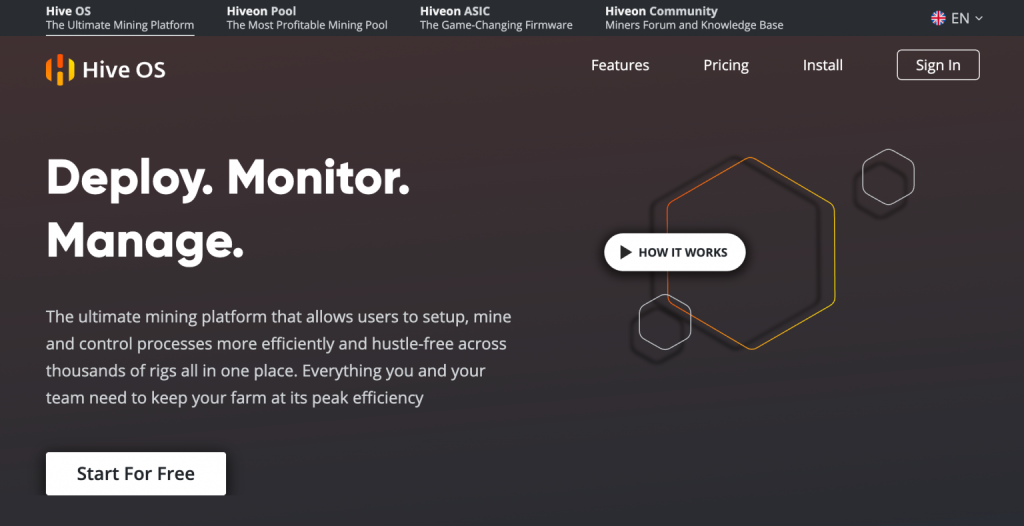
A rig that runs smoothly today may need attention tomorrow: a stalled miner, high temperatures or a configuration change. Multiply those tasks across several machines and management becomes a job of its own. That is where Hive OS makes sense.
Hiveon’s tool brings configuration, monitoring and remote actions together. For hardware owners who want a clearer way to manage their setup, it is a strong option to examine. The free plan offers a starting point for two workers, with limited features. Our assessment is based on public documentation; we have not benchmarked a rig or tested an ASIC installation.
Know which product you are choosing
Hive OS belongs to the Hiveon ecosystem, alongside its pool, ASIC firmware and ASIC Hub. Their functions and fees are different.
For GPU rigs, Hive OS is a dedicated Linux operating system booted from suitable media, rather than an ordinary background Windows app. ASIC management depends on model and method: ASIC Hub and compatible firmware serve different purposes. Check the exact device before making changes.
A worker is a managed machine, not an individual graphics card. A rig with six GPUs counts as one worker. The dashboard tracks hashrate, errors, temperatures and device status. Mining rewards come under the chosen pool’s payment rules. Hive OS is not an exchange or an investment that supplies income without hardware.
The features that matter
Flight Sheets bring together the coin, public wallet address, pool and miner. Save a configuration and apply it to the relevant workers rather than editing every machine separately. You should not enter a wallet recovery phrase into a Flight Sheet.
Remote management helps you restart machines, change settings and monitor a site without standing beside each rig. Tuning tools, AutoFan, watchdog functions and alerts help manage temperatures and interruptions. Feature availability and collaboration options depend on your plan.
The practical benefit is consistency and visibility. It does not automatically make hardware profitable: aggressive tuning can increase power use or instability.
Pricing: two free workers, then all three are billed
The published Start plan is $0 for two workers, with limited functions and three days of statistics. This is a limit on machines, not on GPU cards.
Personal pricing lists these monthly amounts per worker:
| Configuration | Published monthly price |
|---|---|
| 1 GPU | $0.50 |
| 2 GPUs | $1 |
| 3 GPUs | $1.50 |
| 4 GPUs | $2 |
| 5 GPUs | $2.50 |
| 6 or more GPUs | $3 |
| CPU only | $0.50 |
| ASIC | $2 unless an exemption applies |
From the third billable worker, all three are paid. Three six-GPU rigs therefore cost $9 a month at the listed rate, before applicable discounts. Do not keep two free rigs in that calculation.
Eligible ASICs running Hiveon firmware can have their OS charge waived, but model-dependent firmware developer fees can still apply. Include pool and miner fees as well.
OS payments are offered in cryptocurrency. Documentation says the prepaid billing balance cannot be withdrawn or refunded. That billing balance is separate from mining rewards, which follow your pool’s rules. Review the expected bill before funding the account.
Who should consider it?
Hive OS is particularly useful to investigate for dedicated GPU rigs, multiple machines or supported ASIC setups needing remote supervision. The two-worker Start plan allows an initial approach without an OS subscription charge, within its limits.
It is less suitable for occasionally using your everyday Windows computer while keeping its existing environment. Without mining hardware, an account alone does not start a profitable operation.
Calculate electricity at the wall, cooling, subscriptions and upkeep before purchasing equipment. Coin support is not proof of profitability. Ethereum stopped using mining in September 2022; ETH should not be confused with other networks or converted rewards.
Getting started
- Create your account through BitcoinLink, confirm your email and enable two-factor authentication.
- Check device compatibility and choose the appropriate GPU or ASIC setup path.
- For a GPU rig, follow the official image installation guide. Identify the target drive carefully: writing an image can erase its contents.
- Add the worker and prepare its Flight Sheet with your public wallet address, pool and miner.
- Use conservative settings first, watch temperatures and measure actual power consumption over several days.
Protect worker credentials and farm access. Where your plan supports sharing, grant only the permissions each person needs. Remote control still depends on network availability and working equipment.
Our verdict
Hive OS offers clear benefits: less scattered administration, reusable configurations and a better view of the installation. The main pricing detail to understand is that adding a third billable worker changes the bill for the whole relevant setup.
Create a Hive OS account to prepare your first worker and review the right plan. Start with existing hardware and judge the tool by time saved, stability and net results.
Common questions
Is Hive OS free?
Start covers two workers with limited features. Paid pricing depends on configuration and applicable exemptions.
Does a six-GPU rig count as six workers?
No. It is one worker; GPU count affects its paid price.
Is only the third worker paid?
No. Published pricing bills all three, subject to applicable exemptions.
Does it support every ASIC?
No. Check model, connection method and firmware compatibility.
Where do I withdraw rewards?
From the pool or service paying them, under its conditions. The OS billing balance is not a rewards account.
Does Hive OS guarantee higher profit?
No. It helps manage machines; results depend on hardware, settings, fees and electricity.
About affiliate links
BitcoinLink may earn a commission when you use certain links on this site. This helps fund our editorial work. It does not make a service suitable for everyone: our reviews cover its benefits, limitations and conditions to understand before signing up.