


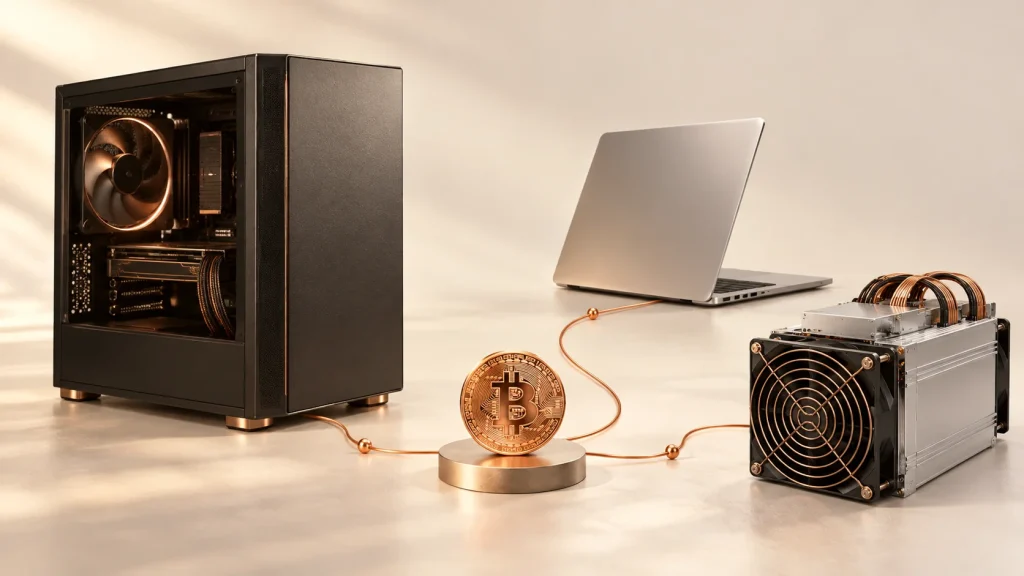
You have a gaming PC, laptop or Mac and wonder whether it can produce bitcoin while idle. Software exists, but “mining Bitcoin on your computer” often mixes different activities. Before downloading anything, understand what your machine computes, which currency pays you and what remains after electricity.
An ordinary PC or Mac is not a realistic choice for directly mining Bitcoin with a profitability goal. Competitive Bitcoin mining uses specialised ASIC machines. A computer can participate in other networks, supply computing power to a service or manage dedicated miners.
This guide revisits Cudo Miner, NiceHash and Hive OS from the original article and explains their roles. It also retains the Pi Network and Bee Network invitation codes in a separate section: those applications do not mine Bitcoin.
Updated on 8 October 2026 from project documentation. We have not installed miners or measured earnings on a machine for this article. Numerical examples are fictional. Out links and referral codes may benefit BitcoinLink; they guarantee neither returns nor withdrawals.
Three different activities behind the word “mining”
Bitcoin mining supplies computational work that contributes to adding blocks and securing the network. Miners compete for rewards; running software does not automatically create income. Bitcoin’s technical guide explains the roles of software, ASICs and pools.
| Activity | What the hardware does | What it means |
|---|---|---|
| Direct Bitcoin mining | An ASIC performs Bitcoin-network calculations | Your computer can control or monitor; general-purpose computing does not replace the ASIC |
| Computing work paid in BTC | A CPU or GPU runs algorithms supported by a service | Payment in BTC does not prove you are mining Bitcoin itself |
| Mobile-app participation | You follow a project’s contribution and participation rules | A Pi or Bee counter is neither a Bitcoin balance nor proof of withdrawable earnings |
This distinction changes your software choice. If your goal is simply to own bitcoin, also compare the cost of buying it in our Bitcoin buying guide. Mining uses hardware and energy; buying acquires an asset. They are different activities.
Which tool fits your computer?
Identify your operating system, processor and exact graphics card first. “Powerful PC” or “recent Mac” is not enough to establish compatibility.
| Your situation | Option to examine | Check before installation |
|---|---|---|
| Windows PC with compatible GPU | NiceHash or Cudo Miner | Current version, supported card and driver, fees, withdrawals and consumption |
| Dedicated machine or rig | Hive OS, or CudoOS depending on needs | Boot system, target disk, workers and billing |
| Intel or Apple Silicon Mac | Explicitly compatible miner; XMRig is a technical option | x64 or ARM64 build, algorithm and pool; not native Bitcoin mining |
| Everyday laptop | A short experiment if compatible | Heat, noise, computer availability and measured cost |
| Smartphone | Pi Network or Bee Network if the project interests you | Project rewards, access and transfers; no Bitcoin mined |
We do not rank these tools by profitability. Without your hardware, electricity tariff and actual service conditions, such a ranking would mislead.
What Cudo Miner, NiceHash and Hive OS actually do
Cudo Miner: automate, then check the costs
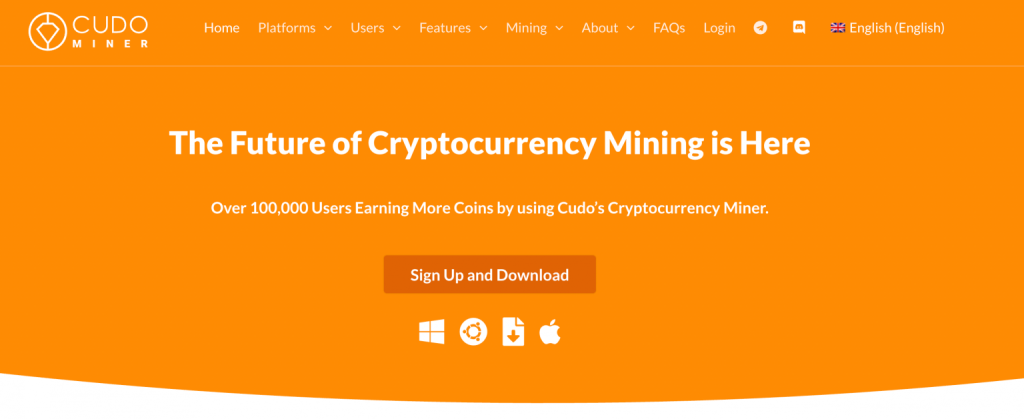
Cudo Miner combines miner control, device monitoring and automatic selection functions. Its setup guide describes Windows, Ubuntu, CudoOS and ASICs, and mentions BTC payouts. Payout currency and the currency actually mined must be distinguished.
The pricing page describes a free download with commission on production. For the tier below 0.005 BTC over the previous 30 days, it lists 6.5%. Check your tier and any other charges in your account’s conditions; electricity remains your responsibility.
For a Mac, we do not infer current support from an old macOS reference. The setup guide alone does not confirm compatibility with your version and processor. Check the available installer and support before preparing a mining workflow.
Read more: our Cudo Miner review examines automation, fees and withdrawal conditions. You can also visit Cudo Miner through the retained out link.
NiceHash: supply computing power and receive Bitcoin
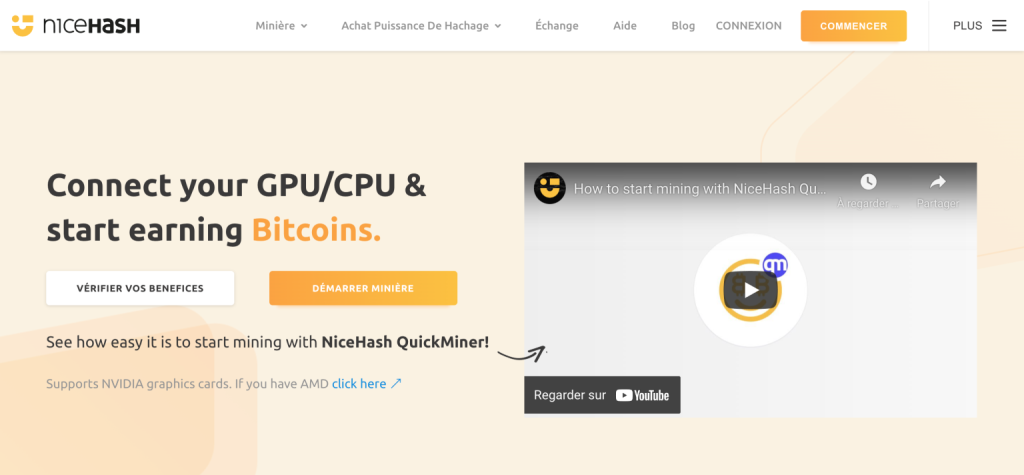
NiceHash connects buyers and sellers of computing power. Being paid in BTC with compatible hardware does not mean your graphics card mines Bitcoin directly. NiceHash’s own explanations illustrate this with different algorithms.
NiceHash Miner and QuickMiner are separate tools. Compare the specific software, not just the platform’s name. The official QuickMiner repository describes Windows software and supported hardware. Do not assume an equivalent macOS installer exists.
Check country eligibility, any identification requirements, commissions, withdrawal minimum and payment network. A daily estimate is not guaranteed income; an internal balance becomes available money only under the service’s conditions.
Retained access: visit NiceHash. Download from an official destination only after checking software and compatibility.
Hive OS: manage a dedicated installation
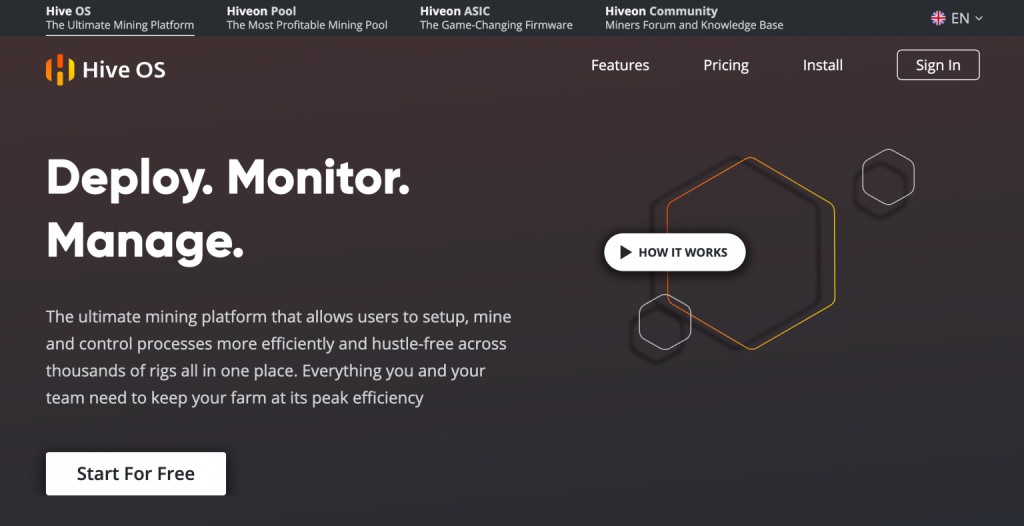
Hive OS manages and monitors mining machines. For a GPU rig it is a dedicated Linux system booted from suitable media, rather than an ordinary app running behind your everyday software. It does not add computing power to your hardware.
The billing documentation consulted includes two free workers, then charging rules based on device number and type. Hiveon-firmware ASICs and ASIC Hub devices have separate conditions. One worker is a machine or rig, not necessarily one graphics card. Check what changes when you enter a paid tier.
It is primarily worth examining for dedicated equipment. Managing boot media, disks and configuration adds complexity for a beginner using a work computer.
Read more: our Hive OS review explains workers, pricing and configuration. The Hive OS out link is retained.
Check availability in your country before registering.
What can you actually do on a Mac?
Distinguish Intel Macs from Apple Silicon Macs, then check macOS. An old tutorial using x64 software does not establish suitability for ARM64.
XMRig’s official downloads include macOS x64 and ARM64 builds. It is an example of a tool for experimenting with supported mining on other networks, not a shortcut to directly mining Bitcoin. File compatibility does not establish profitability.
Identify the algorithm, pool, miner fees and payout currency first. On laptops, monitor temperatures and the impact on other tasks. We do not recommend buying a Mac solely to follow this guide.
A Mac can also access a web dashboard to monitor external miners. In that case it supervises them; its processor does not replace ASIC hardware.
Calculate what remains after electricity
The useful figure is the result after costs, not displayed gross production. Measure electricity at the wall: GPU power ratings may not represent the entire computer. Include its power supply, CPU and relevant cooling equipment.
The basic formula is electricity cost = power in kW × hours × price per kWh. Subtract that from revenue after commissions. If comparing against normal PC use, you may instead measure incremental consumption, but explain that method.
Fictional example: a machine uses 200 W for 8 hours, electricity costs €0.25/kWh, gross revenue is €0.60, and a hypothetical 5% commission applies.
| Calculation for this fictional session | Result |
|---|---|
| Energy: 0.2 kW × 8 h | 1.6 kWh |
| Electricity: 1.6 × €0.25 | €0.40 |
| Hypothetical commission: €0.60 × 5% | €0.03 |
| Revenue after commission | €0.57 |
| Remaining after electricity | €0.17 |
The 5% is not the rate of any tool in this comparison. The €0.17 excludes wear, withdrawals, subscriptions and taxes. Actual revenue and its euro value vary.
If revenue after commissions is below electricity cost, extending the session increases the operating loss. Even with a small positive result, check how long it takes to reach the withdrawal minimum. Money below that threshold is not a payment received.
Understand the dashboard before pressing “start”
Interfaces show different data. Identify worker status, hashrate, consumption and payout conditions. The diagram below is educational and does not reproduce a specific version of Cudo Miner, NiceHash or Hive OS.
Check worker connection and stability
Same algorithm and units
1.6 kWh · 0.40 € · 0.25 €/kWh
Minimum, fees and amount actually transferable
Hashrate is calculation speed, comparable only for the same algorithm and consistent units. A higher number on another algorithm does not prove better income. Accepted shares show recognised submitted work; rejected shares call for checks of configuration, network or stability.
Distinguish estimated revenue, credited balance and withdrawable amount. Check whether an estimate already includes commission so you do not deduct it twice. An external electricity measurement and withdrawal rules complete what the dashboard shows.
A short, measurable first experiment
- Identify hardware: system, architecture, CPU/GPU model, driver and available storage.
- Check the source: official site, software version and matching instructions. Do not disable computer protection globally for an unknown file.
- Prepare the account and withdrawal: stronger authentication, payout currency, minimum and fees.
- Run a short session: observe the machine and avoid overclocking for this first measurement.
- Measure: time, wall consumption, temperature, accepted work, credited amount and valuation used.
- Decide: stop if costs exceed revenue or the machine becomes unstable. Check how to disable automatic startup.
Do not install a miner on a workplace, shared or other device without authorisation. Available hardware is not automatically a free resource: electricity, maintenance and availability cost money.
Pi Network and Bee Network: retained codes, separate from Bitcoin mining
Both projects appeared in the original guide. We retain their links and codes, but they do not mine Bitcoin on a PC or Mac. An app counter is not money available in euros.
Pi Network — invitation code webmonnaie
Pi uses its own participation mechanism and a consensus approach different from Bitcoin’s proof of work. Its FAQ explains that the app does not turn a phone into a Bitcoin computing machine. Mobile and transferable balances differ; identity verification and migration may be required.
The retained code is webmonnaie. Visit Pi Network through our out link. Check current conditions before registering. The code guarantees no future value, income or account approval.
Bee Network — invitation code bitcoinlink
The retained code is bitcoinlink, with the original Bee Network out link. It is a reference for interested readers, not a return recommendation.
This research did not establish whether a new user can convert or withdraw the reward counter in their situation. Check current rules and what can actually be transferred. Bee Network does not mine Bitcoin’s network.
Why Honeyminer is no longer a comparison option
The original article already noted Honeyminer’s shutdown. We do not repeat old earnings promises or a download procedure. A historical screenshot or familiar name does not justify installing software from a third-party site.
Frequently asked questions
Can you directly mine Bitcoin on a PC or Mac?
An ordinary computer is not a realistic competitive Bitcoin miner. ASICs perform the specialised work. A computer can supervise devices, mine some other assets or supply computing work paid in BTC, depending on the service.
Which software is best for beginners?
Choose software whose compatibility, fees and withdrawals are verified for your hardware. Compare NiceHash and Cudo Miner on Windows; Hive OS is primarily for dedicated equipment. No name guarantees profitability.
Is any software compatible with Apple Silicon?
XMRig offers a macOS ARM64 download. This concerns its supported algorithms and networks, not direct Bitcoin mining. Check version, configuration and fees first.
Is mining free if the software is free?
No. Electricity, commissions, withdrawals and wear can cost money. A free download does not describe operating costs.
How much can I earn per day?
We cannot give a reliable amount without hardware, consumption, electricity price and service conditions. Measure a session, calculate costs and check credited funds. Estimates change and do not guarantee withdrawals.
Do Pi Network or Bee Network earn Bitcoin?
These applications concern their own projects and rewards, not Bitcoin-network mining. The codes webmonnaie and bitcoinlink remain invitation codes without an income guarantee.
Should a laptop mine all night?
Start with an observed experiment and check temperatures, ventilation and stability. A hot, slow laptop or one consuming more electricity than it earns does not justify prolonged sessions.